Interviews on Your Own Calendar
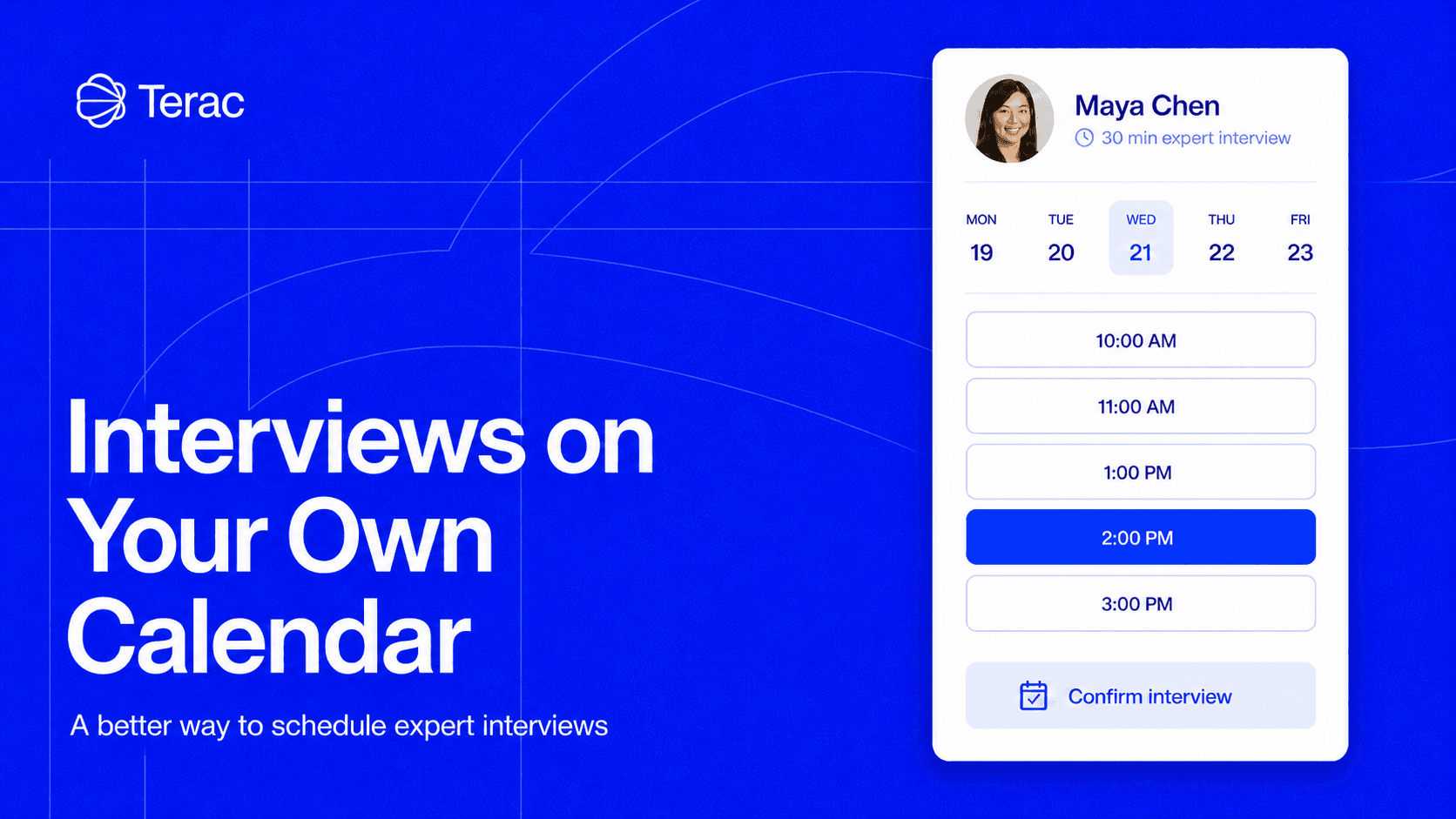
Scheduling an expert interview has always taken more time from you than it should. You get stuck playing calendar tag as the network tries to manage experts rescheduling at the last minute, different time zones, and availability that never quite lines up.
A project with 15 interviews can mean dozens of emails just to agree on times. When calendars connect directly to Terac, the researcher and expert can move from approval to a confirmed interview without a coordinator passing availability between them.
Scheduling isn’t the important part of research, but it can hold up all of it. Every day spent arranging calendars is another day before the interview happens, and another opportunity for a hard-to-reach expert to drop out.
Terac now handles that coordination inside the project.
Two ways to schedule
Connect your Google Calendar directly to Terac, and experts can see when you’re actually free and book a time that works for them.
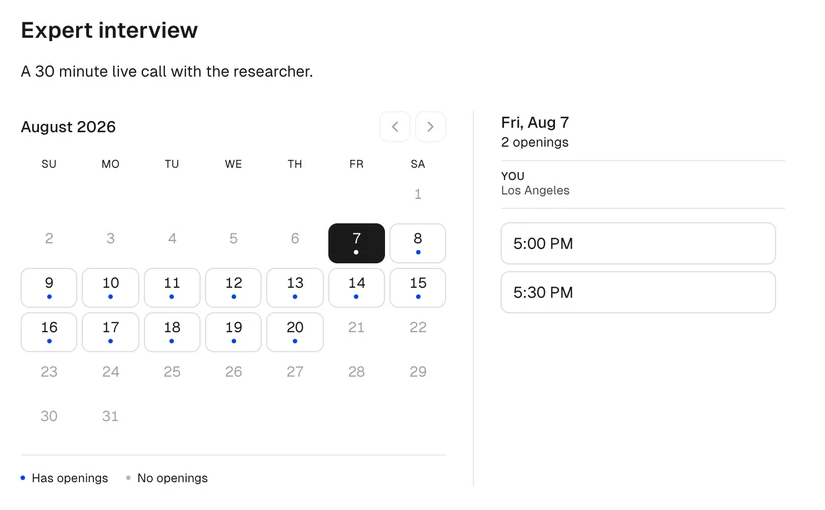
We also ask experts to connect their calendars and share their availability upfront. You no longer need to propose times, send your availability manually, or chase someone for a response. Once a time is selected, Terac creates the meeting, adds the video link, and sends automatic reminders to both parties.
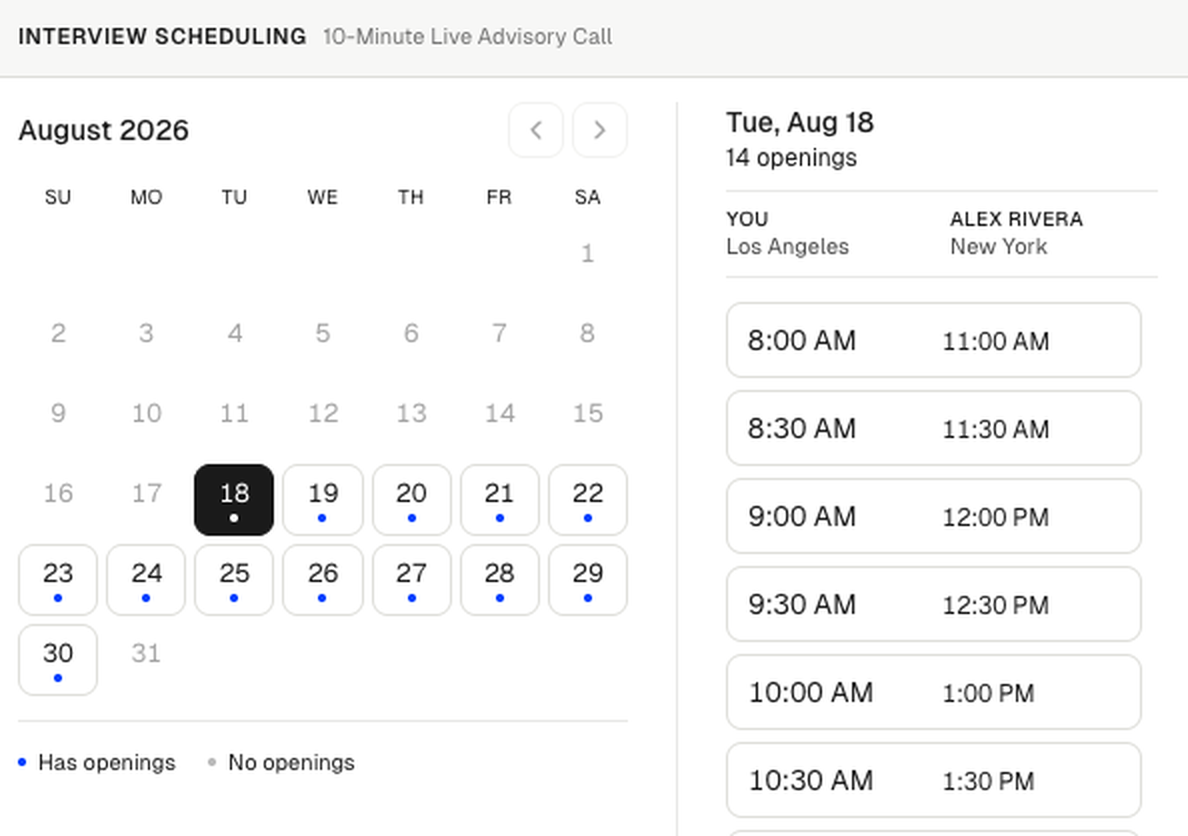
It’s up to you who handles the booking when you create the project. Either pick a suitable time for you, or leave it up to the expert if you have flexibility. Either way, there’s no coordinator acting as a middleman. Terac finds the overlap, displays each time in both timezones, and lets one of you book it directly.
Try it on your next interview
Create an opportunity and connect your calendar in the “Schedule a call” step. The next expert who reaches scheduling can choose a time from the overlap.
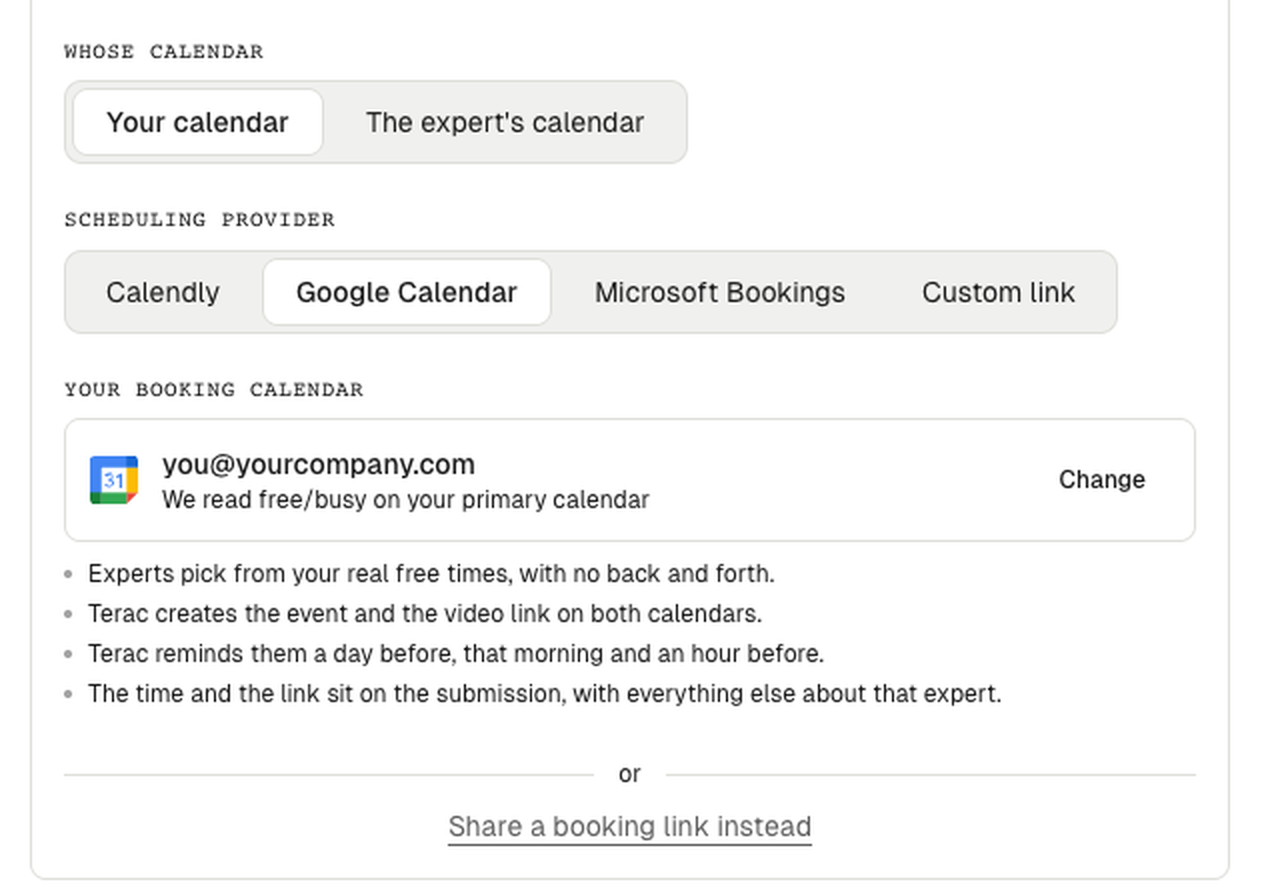
If you don’t want experts booking into your calendar, we ask them to share their availability. We already work with Calendly, Google Calendar, and Microsoft Bookings. We wrote more about these integrations here.
Contents
